
Custom software · Automation · Integrations
Custom software and automation for Cayman businesses
Small, focused tools built around the way you work: internal apps, automated workflows, integrations and client portals. Designed, built, secured and supported by the same local team that looks after your IT.
What we build
The small tools that save hours every week
Off-the-shelf software rarely fits exactly. We build the missing pieces, often on platforms you already pay for.
Internal tools & dashboards
Replace the spreadsheet and the email chain with a simple app your team actually uses, with a live dashboard on top.
Workflow automation
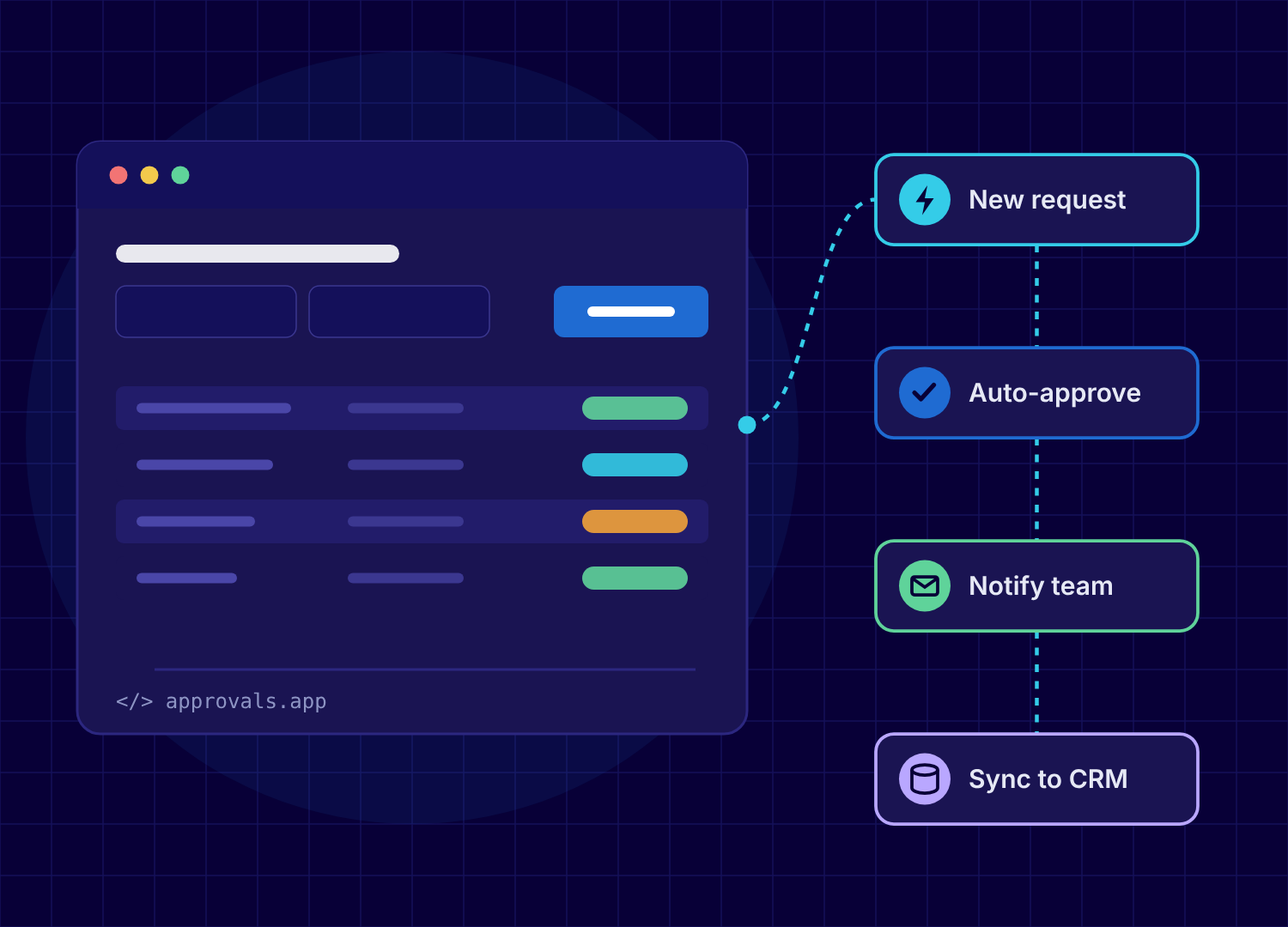
Approvals, staff onboarding, reminders and monthly reports that run themselves, often with Microsoft Power Automate.
Microsoft 365 & Teams apps
Power Apps, SharePoint lists and Teams tabs built on the Microsoft 365 licences you already have.
System integrations
Connect your accounting, CRM, booking or line-of-business systems so data flows between them without re-keying.
Client & staff portals
Secure forms, document uploads and self-service portals, hosted in Cayman when your data needs to stay on-island.
Prototypes & proofs of concept
Test an idea with a working version in days, before you commit to a bigger investment.
Is this for you?
Built for projects measured in days and weeks, not years
We focus on practical, small-scale software that solves one problem well. If you need a large platform built by a full software house, we’ll say so and help you find the right partner.
- A key process lives in spreadsheets and email
- Staff re-type the same data into two or three systems
- Clients send documents by email that should go through a secure portal
- Monthly reports take someone a day to pull together
- You’ve got an idea for a tool but don’t want a six-figure project to test it
How we build
Working software in days, built to the same standard as the rest of your IT
- Step 1DiscoverA short session to understand the problem, the people and the systems involved. You get a clear scope and a fixed quote.
- Step 2Build quicklyWe use modern, AI-assisted development tools to get a working version in front of you fast, then refine it with your feedback.
- Step 3Review & secureOur engineers review and test everything, and our in-house security team checks it before it goes anywhere near live data.
- Step 4Launch & supportWe deploy it in your Microsoft 365, Azure or our Cayman cloud, document it, train your team and support it afterwards.
Why build with your IT provider
We already know your systems, your security and your people
No hand-offsThe team that builds it already manages your Microsoft 365, network and security.
Security built inAccess controls, logging and testing from our in-house security team as standard.
Data stays in CaymanHost it on-island in our hurricane-rated data centre when your regulator or clients expect it.
One number for supportIf something stops working, you call the same helpdesk you already use.
Custom software questions
What kind of projects do you take on?
Small, focused builds: internal tools, workflow automation, integrations between systems, simple portals and prototypes. Most take from a few days to a few weeks. If a project is better suited to a large software house, we’ll tell you and help you find one.
Do you use AI to write code?
Yes. Like most modern development teams, we use AI-assisted development tools to build faster. Our engineers design the solution, review and test what’s produced, and our security team checks it before it goes live. You get a quicker, more affordable build without cutting corners.
How is it priced?
After a short discovery session we give you a fixed quote for the agreed scope, so you know the cost before we start. Changes after that are quoted separately.
Who owns the software?
You do. You own your data and the solution we build for you, and we document it so it isn’t locked to us.
Where is it hosted?
Usually inside your own Microsoft 365 or Azure environment, or in our hurricane-rated data centre in Cayman when your data needs to stay on-island.
What happens after launch?
We support what we build. Fixes and small changes can be covered under your managed IT agreement or with pre-paid support credit.
Got a process that should be easier?
Tell us about it. We’ll tell you honestly whether a small build is the right answer.
Related services
Microsoft 365, Azure & AI → Managed IT Support → Cybersecurity & Compliance →