
AI
Is your business ready for Microsoft Copilot?
Copilot can draft, summarise and find information across your Microsoft 365 data in seconds. That’s also its biggest risk: it can surface anything a user already has access to. Here’s how to get ready.
By the CNS team · · 6 min read

Key takeaways
- Microsoft 365 Copilot is a paid add-on to plans such as Business Standard, Business Premium, E3 and E5.
- Copilot only shows people what they already have permission to see. Overshared files are the real risk.
- Fix permissions and label sensitive data before you switch it on.
- Start with a pilot group, a short AI policy and training.
What Copilot is
Microsoft 365 Copilot is an AI assistant built into Word, Excel, PowerPoint, Outlook and Teams. It can draft documents, summarise long email threads and meetings, analyse spreadsheets and answer questions using your organisation’s own files, emails and chats.
It’s sold as an add-on licence for eligible plans, including Microsoft 365 Business Standard, Business Premium, E3 and E5. When it launched it needed a minimum of 300 seats. That limit has gone, so a business of any size can buy it for just the people who will use it.
Many Microsoft 365 subscriptions also include Copilot Chat at no extra cost. It’s a useful way to try AI safely, but it doesn’t work across your organisation’s data the way the full Copilot does.
The real risk: oversharing
Copilot respects your existing permissions. It only shows each person information they could already open themselves. That sounds reassuring, until you look at how most businesses have shared files over the years.
Sites open to “everyone”, old sharing links, Teams with too many members and folders copied from a file server all add up. Before Copilot, nobody stumbled across the salary spreadsheet in a forgotten SharePoint folder. With Copilot, someone only has to ask the right question.
Four steps to readiness
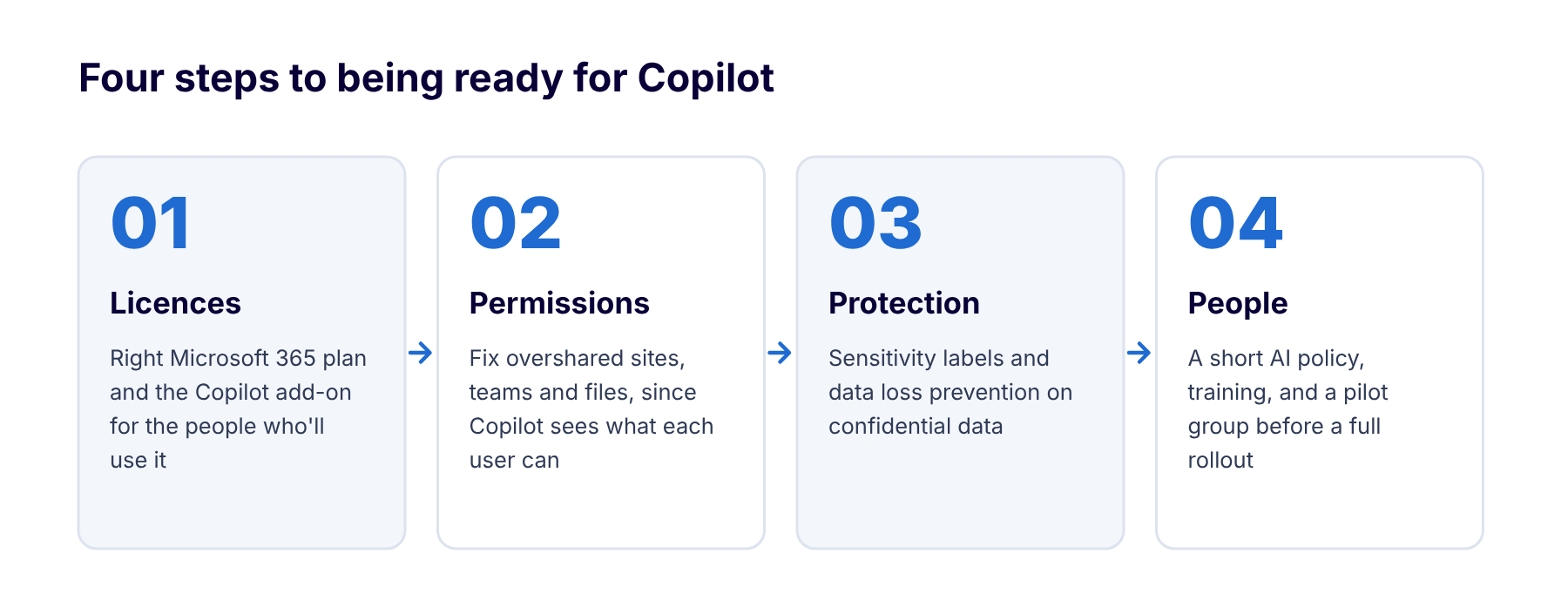
Most of the work is in steps two and three, and it also makes your business more secure whether or not you adopt Copilot.
1. Licences and foundations
Make sure you’re on an eligible plan, and that users sign in with multi-factor authentication. Devices should be managed, for example through Intune. Copilot can only use files stored in OneDrive and SharePoint, so data still on a local file server or desktops won’t be included.
2. Clean up permissions
Review who can see what. Remove “anyone” and organisation-wide sharing links where they aren’t needed, tidy Teams and SharePoint membership, and check guest access. Microsoft’s SharePoint reporting tools can show you which sites are most overshared.
3. Protect sensitive data
Apply sensitivity labels to confidential information such as HR, client and financial data, and use data loss prevention policies to stop it leaving the business. Microsoft 365 Business Premium includes the Microsoft Purview tools to do this.
4. Prepare your people
Write a short AI acceptable-use policy, train people to write good prompts and check what Copilot produces, then start with a pilot group of five to ten users. Measure the time saved before you roll it out more widely.
A note for regulated firms
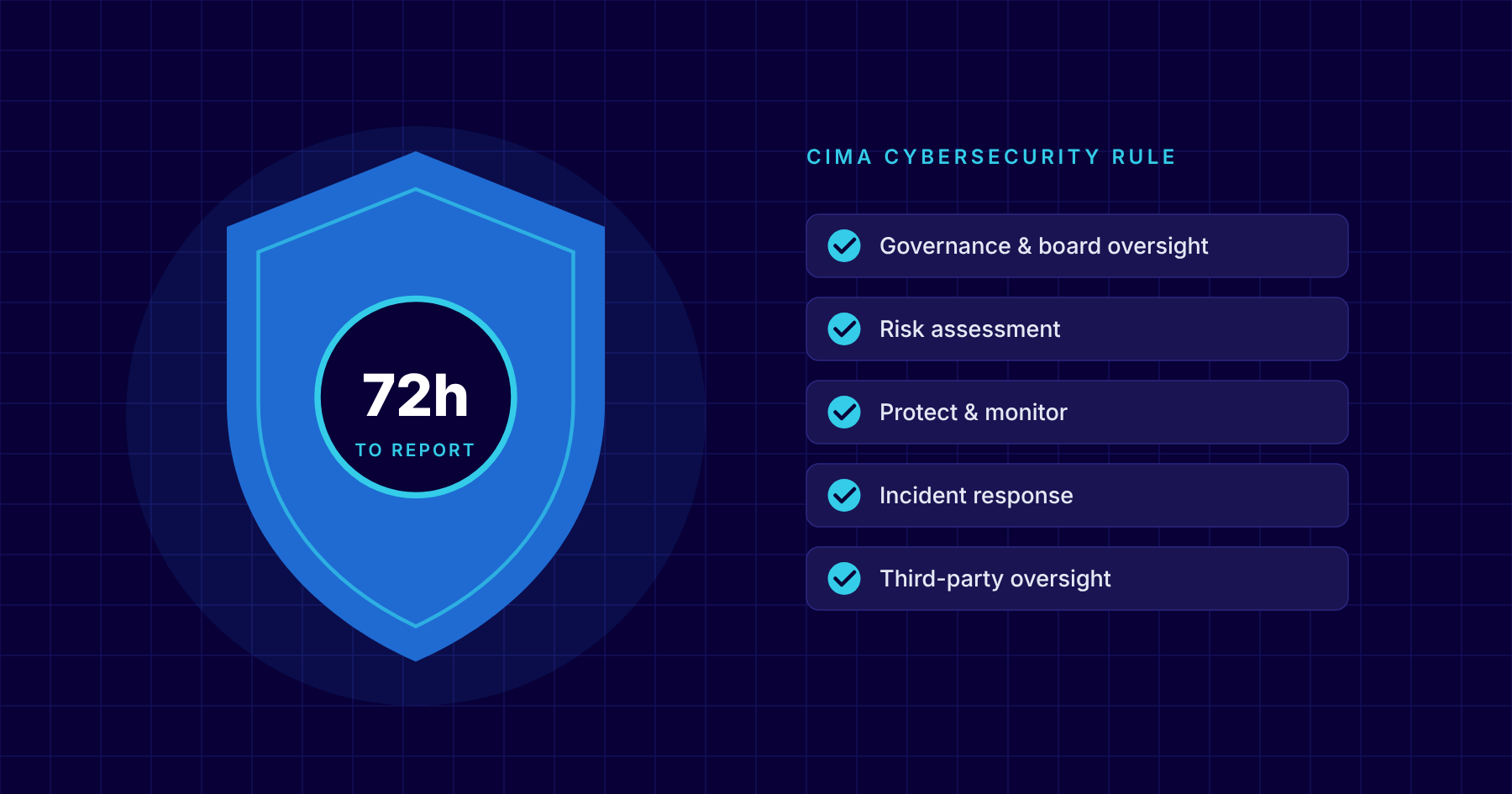
If you’re regulated by CIMA or handle personal data under the Data Protection Act, treat Copilot like any other new system that processes your data. Include it in your risk assessment, update your policies, and be ready to explain to your board how access is controlled.
Microsoft states that prompts, responses and organisational data accessed through Microsoft 365 Copilot aren’t used to train its foundation models. You should still check the data protection terms against your own obligations.
How CNS can help
As a Microsoft Cloud Solution Provider, we supply the licences and run Copilot readiness assessments for Cayman businesses. We find overshared data, set up sensitivity labels and data loss prevention, and help you run a pilot.
Our virtual CIO service can also write your AI policy and build Copilot into your IT roadmap.
More insights

Questions about your own setup?
Talk to a Cayman IT expert. No obligation, no jargon.