
Managed IT
Managed IT or break-fix: which is right for your Cayman business?
Calling someone when something breaks feels cheaper, until it isn’t. Here’s how managed IT and break-fix support compare on cost, security and downtime, and how to decide which suits your business.
By the CNS team · · 4 min read
Key takeaways
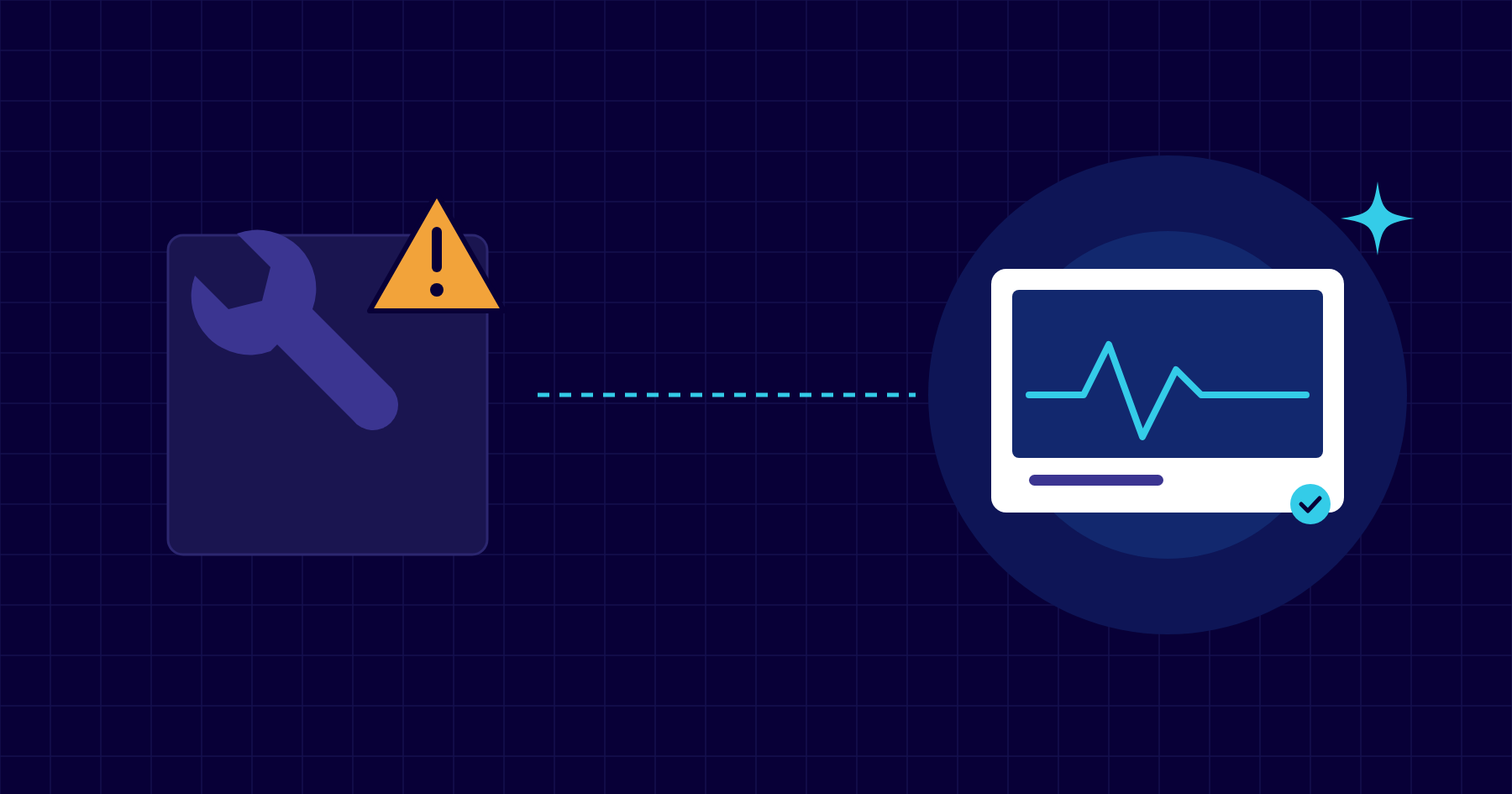
- Break-fix means paying by the hour when something goes wrong. Managed IT means a fixed monthly fee to keep things from going wrong.
- Break-fix looks cheaper on paper but leaves patching, backups and security to chance.
- Managed IT makes costs predictable and puts someone in charge of preventing problems.
- Many businesses with their own IT person use co-managed IT, a mix of the two.
The difference in one sentence
With break-fix support, you call an IT company when something breaks and pay for the time it takes to fix it. With managed IT, you pay a fixed monthly fee and your IT provider takes responsibility for keeping your systems running, secure and backed up, so fewer things break in the first place.
When break-fix makes sense
Break-fix can work for a very small office with a handful of computers, no sensitive data and someone willing to look after updates and backups themselves. It’s simple, and you only pay when you need help.
The catch is that nobody is responsible for the boring but essential work in between: applying security updates, checking backups actually work, removing old accounts, renewing certificates and spotting a failing hard drive before it fails. Those jobs tend to get done only after something has gone wrong.
What managed IT adds
- Predictable costs: one monthly fee per user instead of surprise invoices.
- Proactive maintenance: patching, monitoring and alerts, often fixing problems before you notice them.
- Security as standard: multi-factor authentication, endpoint protection, email filtering and staff training.
- Backups that are checked, with test restores, not just a hope that they’re running.
- Someone who knows your setup, with documentation, so support is faster and staff changes are painless.
- Planning: regular reviews, hardware replacement schedules and budgets.
Comparing the real cost
When you compare quotes, add up what break-fix actually costs over a year: emergency call-outs, staff time lost while systems are down, the occasional data recovery job and the risk of a security incident. For most businesses with ten or more staff, a fixed monthly fee ends up similar or lower, and far more predictable.
Ask any provider exactly what’s included. Good managed IT agreements spell out response times, what’s covered, what’s billed extra and how you can leave.
If you already have an IT person
Co-managed IT gives an in-house IT person or an overseas group IT team local back-up: monitoring and security tools, help with projects, cover for holidays and someone on island when hands-on work is needed. You keep control; we fill the gaps.
How CNS can help
Our managed IT plans start with a free network assessment, so you can see where you stand before committing to anything. Lite, Premium and Complete plans give you a fixed monthly fee per user, a local helpdesk and security in every plan.
Sources
More insights

Questions about your own setup?
Talk to a Cayman IT expert. No obligation, no jargon.