
Cybersecurity
Multi-factor authentication: the single best security step for small businesses
If you do one thing to improve your security this year, make it multi-factor authentication. Here’s what it is, why it works, and how to roll it out without frustrating your team.
By the CNS team · · 4 min read
Key takeaways
- Stolen passwords are behind a large share of business account takeovers.
- MFA adds a second check, usually your phone, so a password alone isn’t enough.
- Authenticator apps and security keys are stronger than text-message codes.
- Turn it on for every user and every system, starting with email.
What MFA is
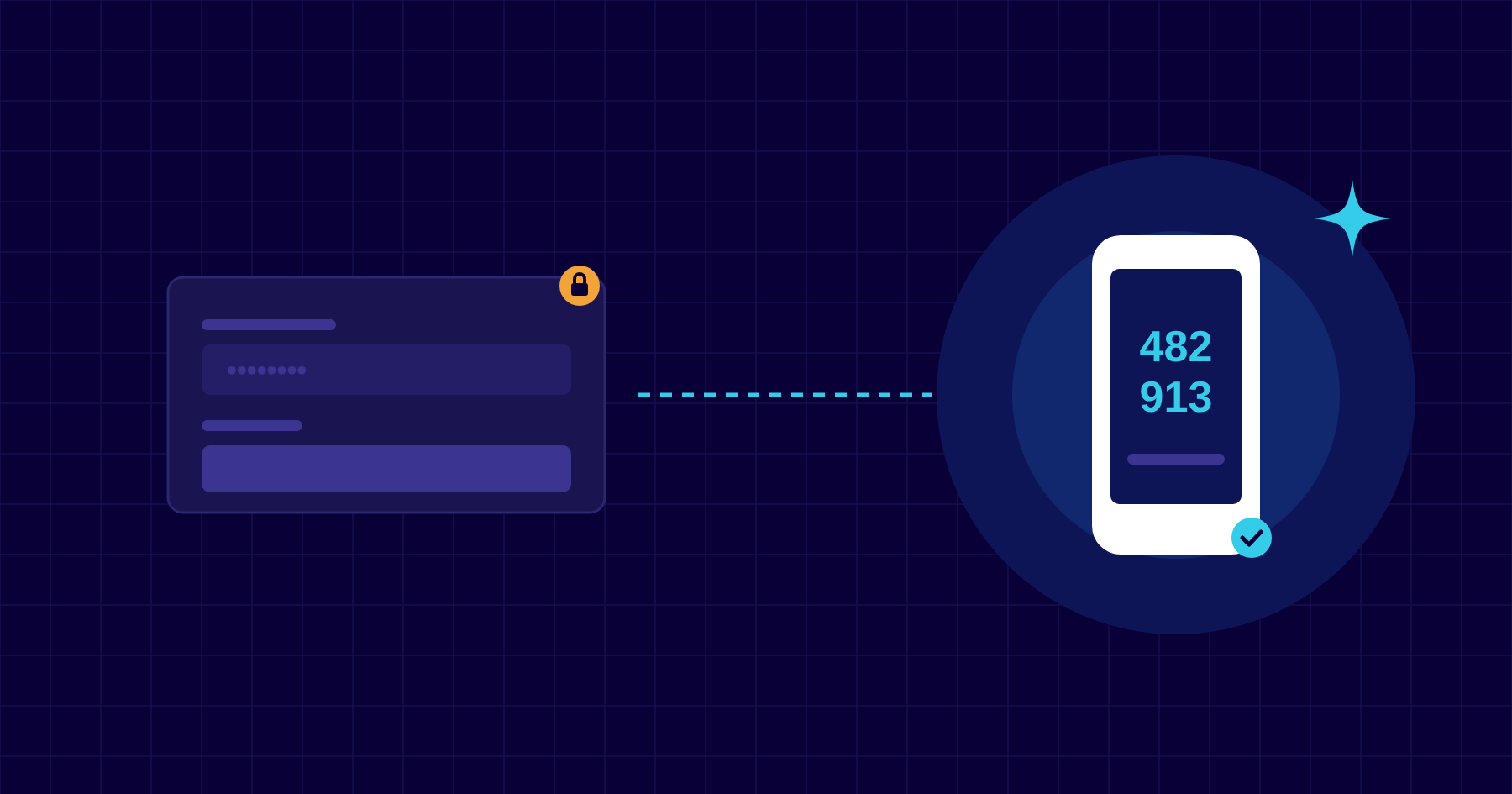
Multi-factor authentication asks for something you know, your password, plus something you have, usually your phone or a security key. Even if a criminal steals or guesses the password, they can’t sign in without that second factor.
Microsoft has said that MFA can block over 99.9% of account compromise attacks. Few security controls give that much protection for so little cost.
Why passwords alone aren’t enough
Passwords are phished through fake login pages, leaked in other websites’ data breaches and reused across accounts. Once a criminal has your email password, they can read your mail, send invoices from your address and reset passwords for other systems. MFA closes that door.
Choosing a method
- Authenticator app with number matching, such as Microsoft Authenticator. Strong, free and easy for most staff.
- Security keys or passkeys. The strongest option, resistant even to sophisticated phishing. Ideal for admins and finance staff.
- Text message codes. Better than nothing, but vulnerable to SIM-swap fraud. Use only as a fallback.
Rolling it out smoothly
- Start with email and Microsoft 365, then cover remote access, accounting and banking systems.
- Explain why to staff before switching it on. A short briefing prevents most complaints.
- Use conditional access so trusted, managed devices aren’t prompted constantly.
- Make sure admin accounts use the strongest method available.
- Have a clear process for lost or replaced phones.
MFA and cyber insurance
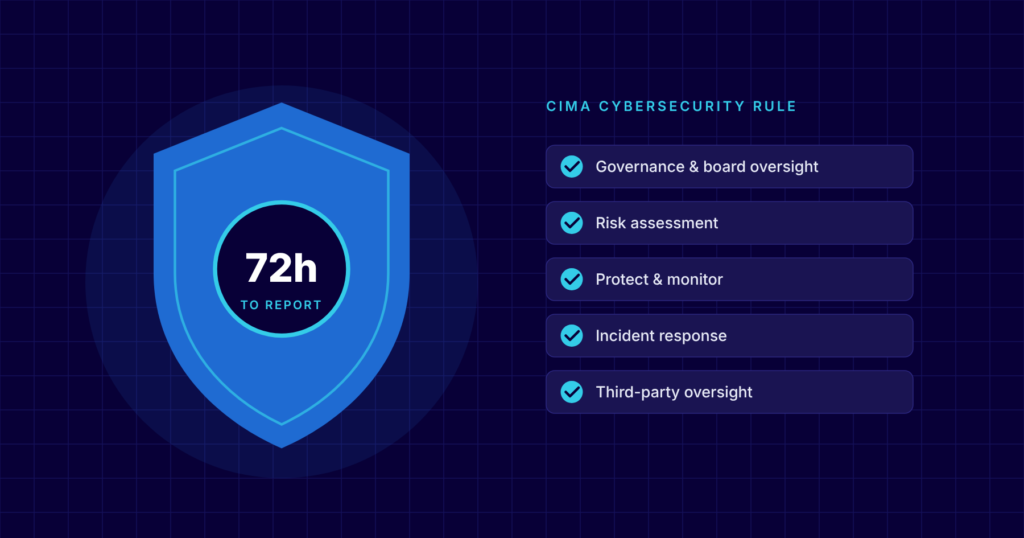
Many cyber insurers now ask whether MFA is enforced for email, remote access and admin accounts, and may decline cover or claims without it. Regulators, including CIMA, expect strong access controls too.
How CNS can help
MFA for every user is included in all our managed IT plans, along with conditional access on Premium and Complete. We plan the rollout, brief your staff and handle the phone changes when people get new devices.
More insights


Questions about your own setup?
Talk to a Cayman IT expert. No obligation, no jargon.