
Compliance
The Cayman Data Protection Act: an IT checklist for small businesses
If you hold personal information about clients, staff or suppliers, the Data Protection Act applies to you, not just to banks and fund administrators. Here’s what it means for your IT, and what to do if something goes wrong.
By the CNS team · · 4 min read
Key takeaways
- The Data Protection Act applies to any Cayman business that handles personal data, whatever its size or sector.
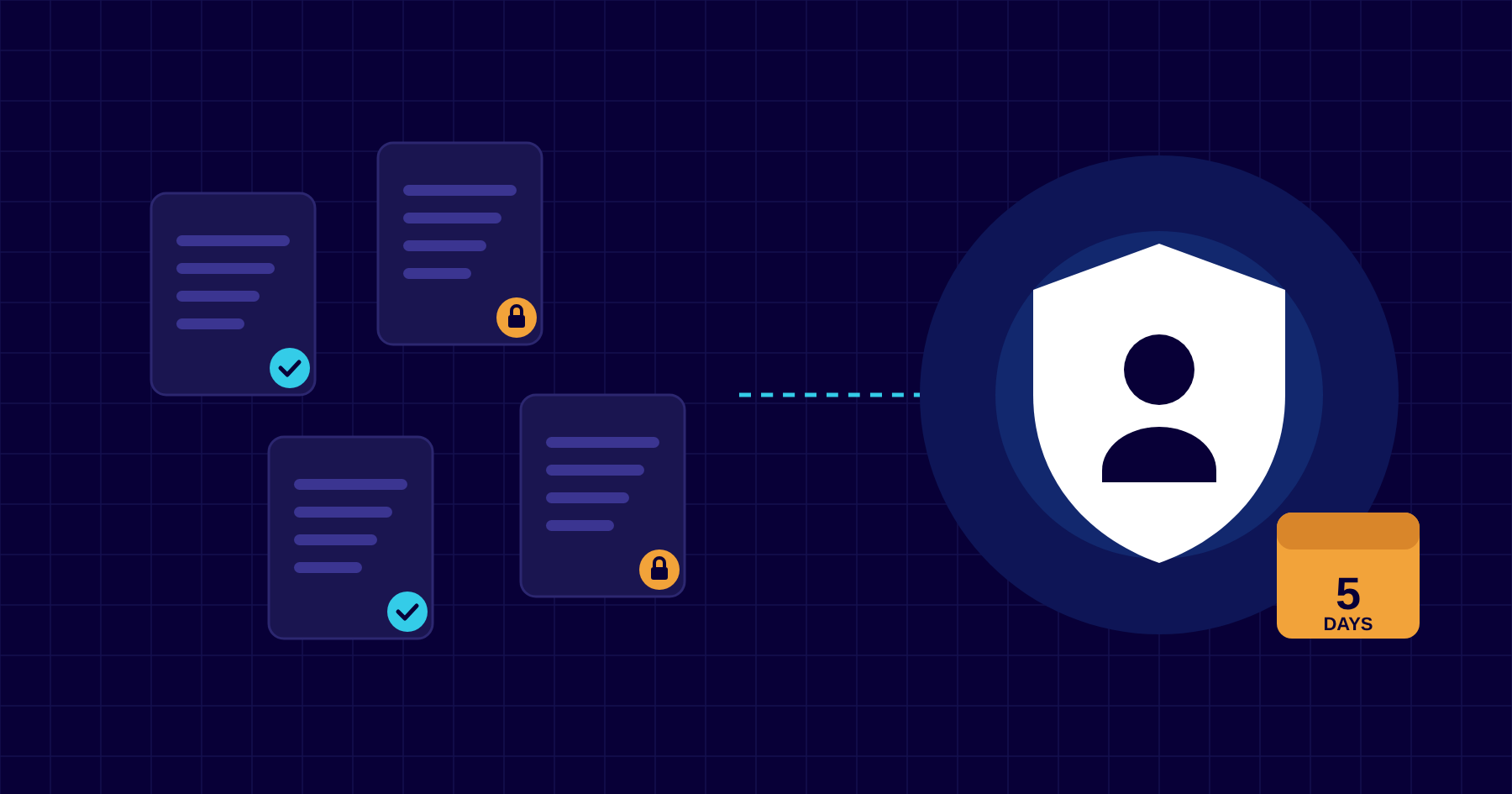
- Serious personal data breaches must be reported to the Ombudsman, and to the people affected, within five days.
- Most of what the Act asks of your IT is good practice: multi-factor authentication, patching, encryption, backups and sensible access.
- Know where your data is stored, including cloud services hosted outside Cayman.
Who the Act covers
The Data Protection Act came into force in September 2019 and is overseen by the Office of the Ombudsman. It applies to any organisation established in the Cayman Islands that collects, stores or uses personal data: names and contact details, passport copies, payroll and HR records, medical information, bank details, even CCTV footage.
That means a dental practice, a property manager, a restaurant group or a charity has the same basic obligations as a fund administrator. The Act sets out eight data protection principles. Two of them land squarely on your IT: keeping personal data secure, and being careful about sending it overseas.
What it means for your IT
The security principle requires “appropriate technical and organisational measures” against unauthorised access, loss or damage. The Act doesn’t list specific products. In practice, the Ombudsman will ask whether you took reasonable steps for the kind of data you hold. For most small businesses that means:
- Multi-factor authentication on email and every cloud system that holds personal data.
- Encryption on laptops and phones, so a lost device isn’t a data breach.
- Up-to-date software, with security patches applied promptly and no unsupported operating systems.
- Access on a need-to-know basis, removed promptly when people leave.
- Backups that are tested, so you can recover from ransomware or accidental deletion.
- Secure disposal of old computers, drives and paper records.
Organisational measures matter just as much: staff who know how to spot phishing, a clear process for handling data requests, and someone who is responsible for data protection.
If something goes wrong: the five-day rule
If you have a personal data breach, you must notify the Ombudsman and the individuals affected without undue delay, and no later than five days after you become aware of it. A breach doesn’t have to be a sophisticated hack. A compromised mailbox, a misdirected email with client documents attached or a stolen unencrypted laptop can all count.
Five days isn’t long to work out what happened, what data was involved and who needs to be told. Decide now who makes the call, who investigates and who drafts the notifications. Keep the plan somewhere you can reach if your email is down.
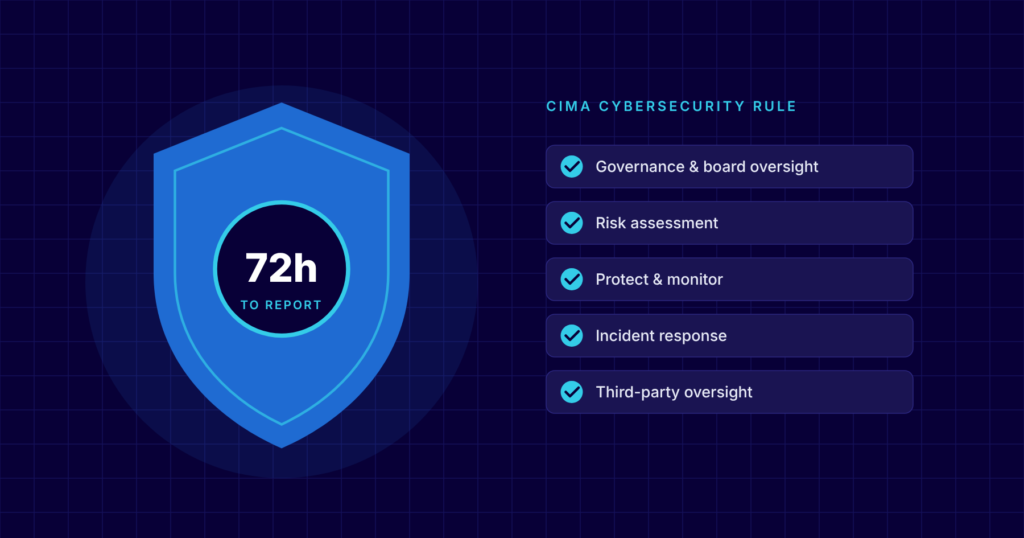
Regulated by CIMA?Firms covered by CIMA’s cybersecurity rule have a separate, shorter deadline for reporting serious cyber incidents to CIMA. One incident may need to be reported to both. See our guide to CIMA’s cybersecurity rules.
Know where your data lives
Personal data shouldn’t be transferred outside the Cayman Islands unless it will be adequately protected where it goes. Most businesses now use cloud services hosted in the US, Canada or Europe, which is usually fine with the right contracts and safeguards in place, but you should know which services hold personal data and where.
Keeping backups and sensitive systems on island, in a Cayman data centre, removes one question from the list and helps with hurricane-season recovery too.
An eight-step checklist
- List the personal data you hold, where it’s stored and who can access it.
- Turn on multi-factor authentication for every user, everywhere.
- Encrypt every laptop and phone that can reach company data.
- Patch regularly and replace anything that no longer gets security updates.
- Review sharing and access in Microsoft 365 or Google Workspace, and remove leavers.
- Back up your data, and test a restore at least once a quarter.
- Write a one-page breach plan with names, phone numbers and the five-day deadline.
- Train staff to recognise phishing and to report mistakes straight away.
How CNS can help
Our managed IT plans cover the technical side of the security principle as standard: MFA, device encryption, patching, monitoring and nightly backups stored in Cayman. Our security team can review your setup against the Act, help you write a breach plan, and support you through an incident if the worst happens.
This article is general guidance, not legal advice. Speak to your attorney about your specific obligations.
More insights
Questions about your own setup?
Talk to a Cayman IT expert. No obligation, no jargon.