
Cybersecurity
Invoice fraud and fake payment requests: how to protect your business
Criminals don’t need to break into your bank. They just need one convincing email asking someone to pay a “new” account. Here’s how business email compromise works, and the simple controls that stop it.
By the CNS team · · 4 min read
Key takeaways
- Invoice fraud targets your people and payment process, so technology alone won’t stop it.
- Never change a supplier’s bank details because of an email. Call them on a number you already have.
- Multi-factor authentication and email authentication (DMARC) make it much harder for criminals to use or fake your email.
- If you’ve sent money to a fraudster, call your bank immediately. Every hour counts.
How the scam works
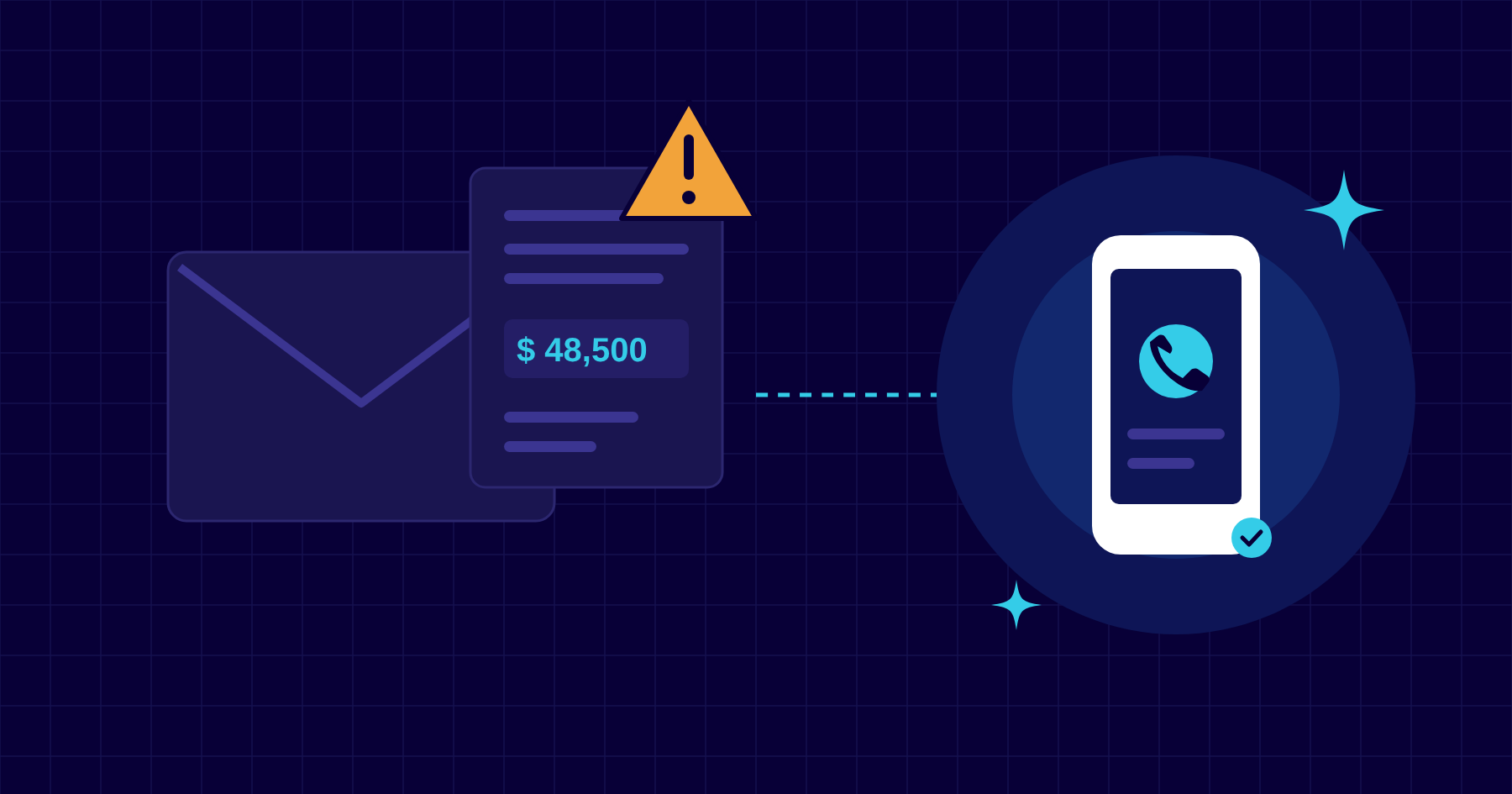
Business email compromise, often called BEC, is one of the most expensive forms of cybercrime. It rarely involves malware. Instead, a criminal sends an email that looks like it comes from someone you trust, asking for a payment or a change of bank details. Common versions include:
- The supplier with “new bank details”. An invoice arrives from a real supplier, or a lookalike address, with a polite note that their account has changed.
- The urgent request from the boss. A message that appears to come from a director asks for a quick, confidential transfer, often while they’re travelling.
- The hijacked conversation. A supplier’s or client’s mailbox is hacked, and the criminal replies inside a genuine email thread at just the right moment.
- The property or legal completion. Wiring instructions for a deposit or settlement are swapped for the criminal’s account days before closing.
Cayman’s financial services, legal, real estate and construction businesses routinely move large sums by wire, often across borders and time zones. That makes them attractive targets.
Warning signs
- A request to change bank details, especially to an account in a different country or name.
- Pressure to pay urgently, keep it confidential or bypass normal approval.
- A sender address that’s slightly off, such as an extra letter or a different domain ending.
- A reply-to address that differs from the sender.
- A familiar contact writing in an unusual tone, or at an unusual time.
Payment controls that stop it
The most effective defences are simple rules that everyone follows, every time:
- Verify every bank detail change by phone, using a number from your own records or the supplier’s website, never one from the email.
- Require two people to approve new payees and payments above a set amount.
- Hold first payments to new accounts until they’ve been verified, even if someone is chasing.
- Make it safe to say no. Staff should know they’ll never be in trouble for questioning a payment request, even one from the managing director.
Email security that helps
- Multi-factor authentication stops most mailbox takeovers, even when a password has been phished.
- DMARC, SPF and DKIM stop criminals sending email that appears to come from your own domain.
- Email filtering flags impersonation, lookalike domains and external senders using a colleague’s name.
- Mailbox monitoring alerts on suspicious sign-ins and hidden forwarding rules, a classic sign of a hijacked account.
- Phishing training and simulations keep the warning signs fresh for the people who handle payments.
If you think you’ve paid a fraudster
- Call your bank straight away and ask them to recall the payment. Speed makes the biggest difference.
- Call your IT provider to secure any affected mailbox, reset passwords and check for forwarding rules.
- Report it to the police. In Cayman, contact the Royal Cayman Islands Police Service.
- Keep the evidence. Don’t delete the emails. Your bank, insurer and investigators will need them.
- Check your reporting duties. If personal data was exposed, the Data Protection Act’s five-day rule may apply, and CIMA-regulated firms may need to report to CIMA.
How CNS can help
Our Premium and Complete plans include email filtering, DMARC enforcement and monitoring, and phishing training, alongside MFA and 24/7 monitoring on every plan. If you’re worried about an email or a payment, call our 24/7 line on (345) 926-7666 straight away.
More insights
Questions about your own setup?
Talk to a Cayman IT expert. No obligation, no jargon.